Hi,
We are running Alfresco Community Edition v5.2 (201707) on CentOS 7, and I encountered some issues on the IE 11 browser.
When clicking 'View in Browser' on a file, a download prompt opens.
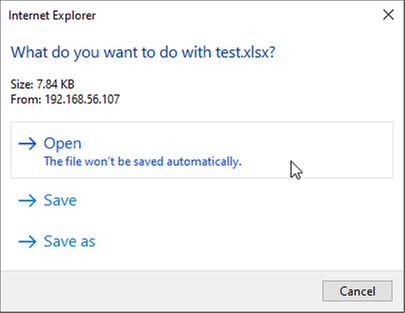
Clicking 'Open' on that prompt shows another prompt, but is asking for credentials.
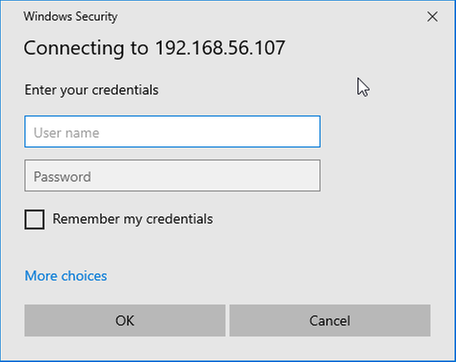
I tried using my Alfresco credentials and the host's credentials but those doesn't seem to work; the prompt will ask for credentials again.
As a workaround, clicking 'Cancel' twice will close the prompt and open the document.
If I select 'Save' instead of 'Open' instead, I will be able to download the file and open without the prompt asking for credentials.
I have tried this with Firefox and Chrome and this behavior doesn't happen at all.
This only seems to happen if client is using IE 11 and is using the 'Open' option when 'View in Browser' is selected.
I want to know if there is any fix or solution to this issue?
I would prefer to have the credentials prompt go away, but if it's not possible, may I know what credentials do I need to fill in so it accepts?
I am using Office 2013.
