Helo everyone,
The problem :
I try to preview a document i just attached to a form.
When i click on it, the overlay works and i can view my attachment.
When i close it, i go back to my form but completely "frozen".
(In fact, the url don't change : it's still with a `http://localhost:4200/apps/XXXXX/tasks/YYYYY(overlay review/blob)`)
I have to the refresh the page in order to have my form again.
What did i do wrong ?
I actually use the "native" component generated with ADF-APS :
Steps to reproduce :
- Generate a new ADF (with only APS)
- Link it to your APS
- Generate a simple process with 1 form that contain one "Attach file" component
- Deploy & publish App
- Serve ADF
- Start a new instance
- Go to task/form
- Add a local file (a .pdf for my example)
- Click on the preview (it should open the file)
- Close the file
- The url didn't change and everything is broken. The only way to unlock it is by refreshing the page.
Can anyone help me with this ?
I'm using :
ADF : 3.5
APS : 1.9
Language : FR
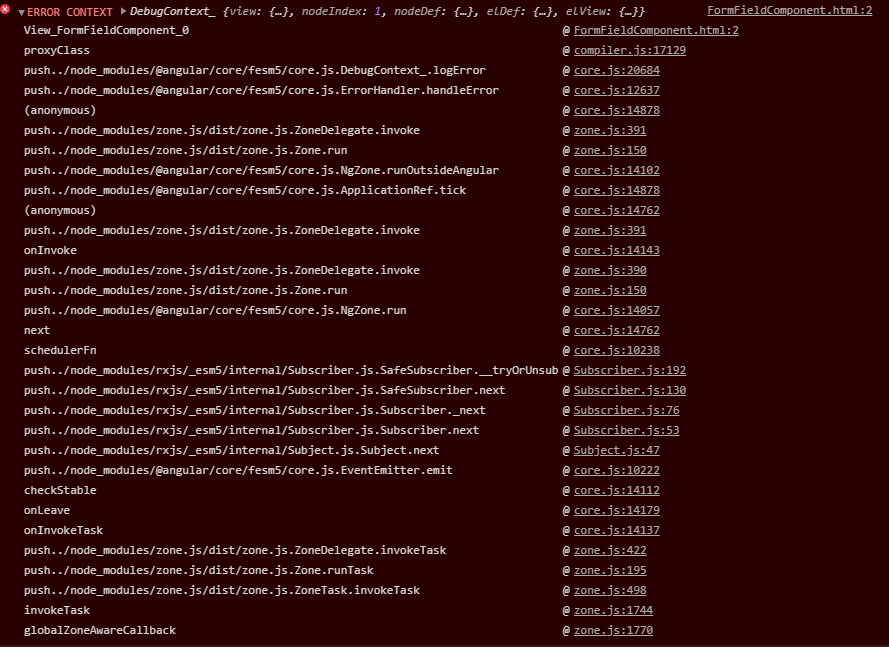
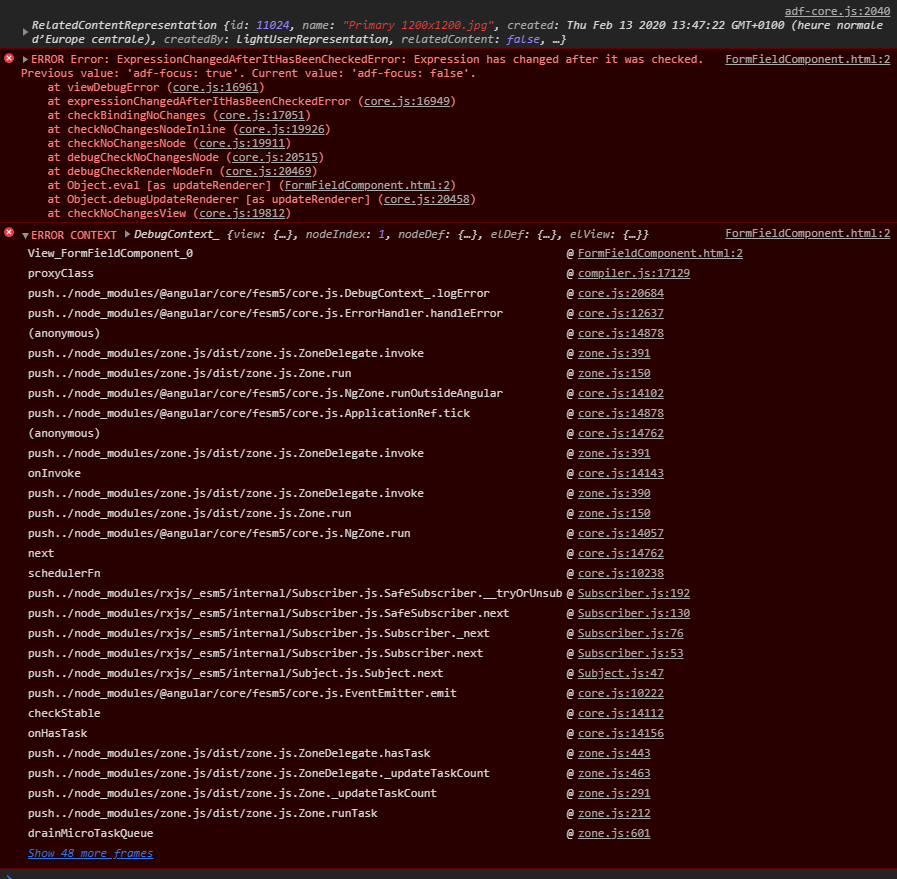
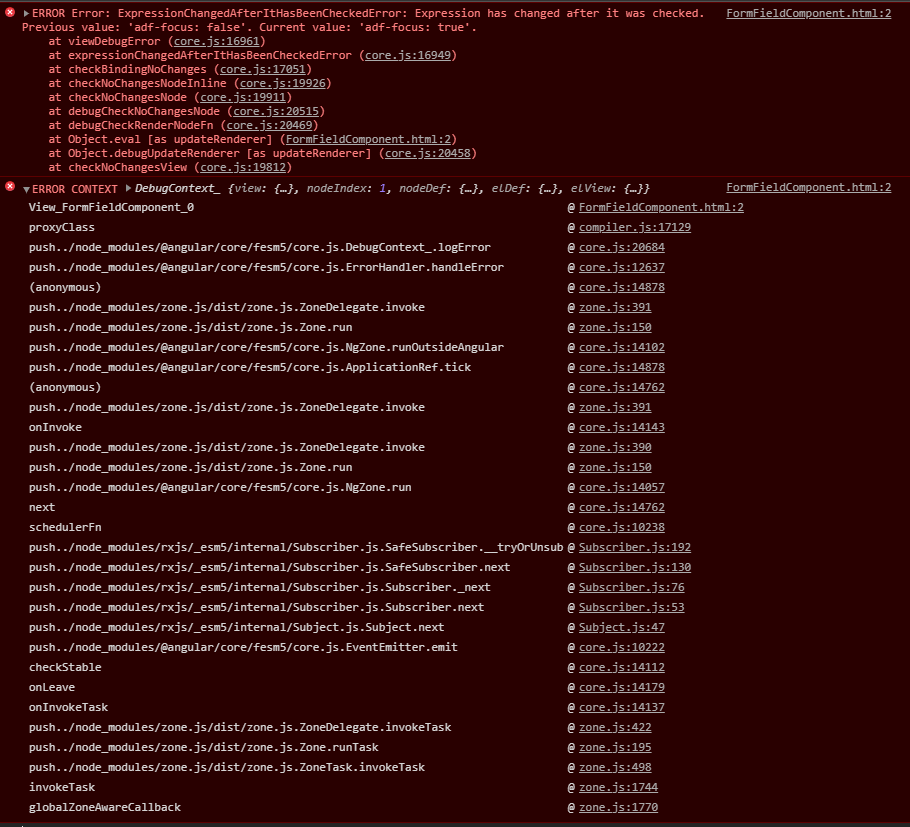
Errors
error - console
Code
blob-view.component.html
Spoiler<adf-viewer [blobFile]="content"
[displayName]="name"
[showViewer]="true">
</adf-viewer> blob-view.component.ts
Spoiler@Component({
templateUrl: 'bob-view.component.html'
})
export class BlobViewComponent {
content: Blob;
name: string;
constructor(protected preview: PreviewService,
protected router: Router
) {
if (preview.content === null || preview.name === null) {
router.navigate([{outlets: {overlay: null}}]);
return;
}
this.content = preview.content;
this.name = preview.name;
}
} app.route.ts
Spoilerexport const appRoutes: Routes = [
{
path: 'files/:nodeId/view',
component: FileViewComponent,
canActivate: [AuthGuardEcm],
outlet: 'overlay'
},
{
path: 'preview/blob',
component: BlobViewComponent,
outlet: 'overlay',
pathMatch: 'full'
},
[...]
];