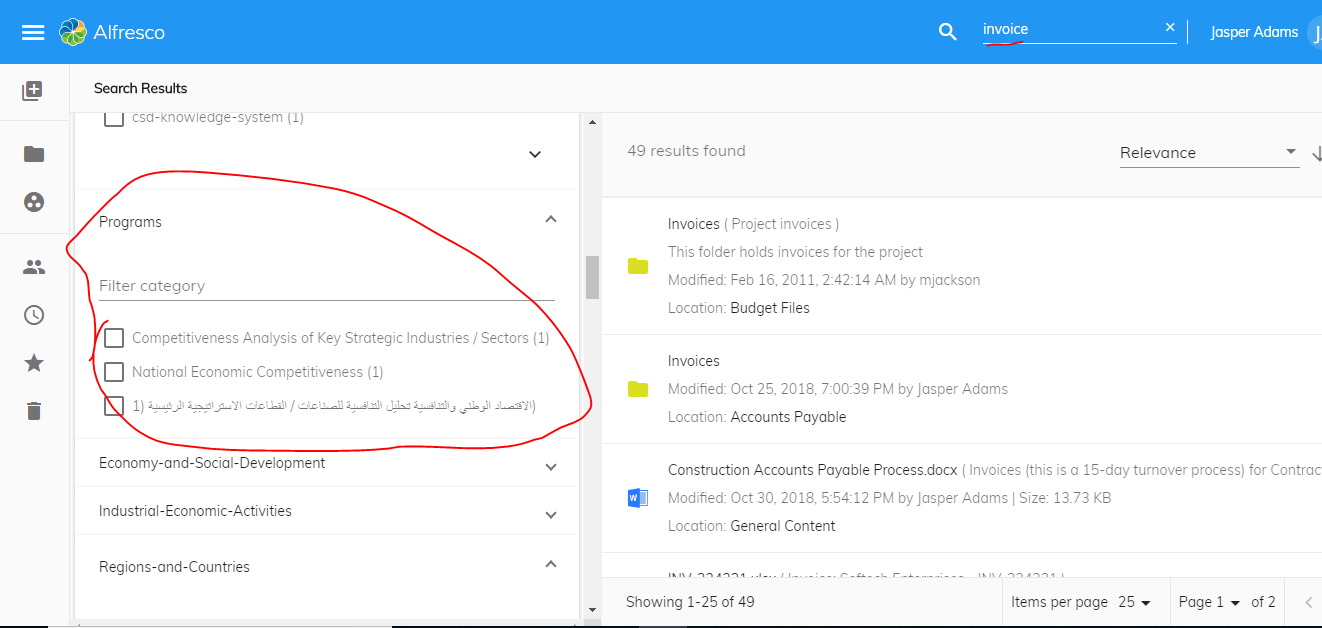
I am using ADF 2.6.0.
I have added facets for custom properties which has multiple values by adding those properties to the app.config.json file. I have found an issue with the search filter.
Steps to reproduce:
1. Create a custom property in an Aspect to store multiple values.
2. Apply that Aspect to 2 different document (car.txt and invoice.txt).
3. Populate different set of values for the property in both the document.
4. Configure ADF search facet field to include the above property.
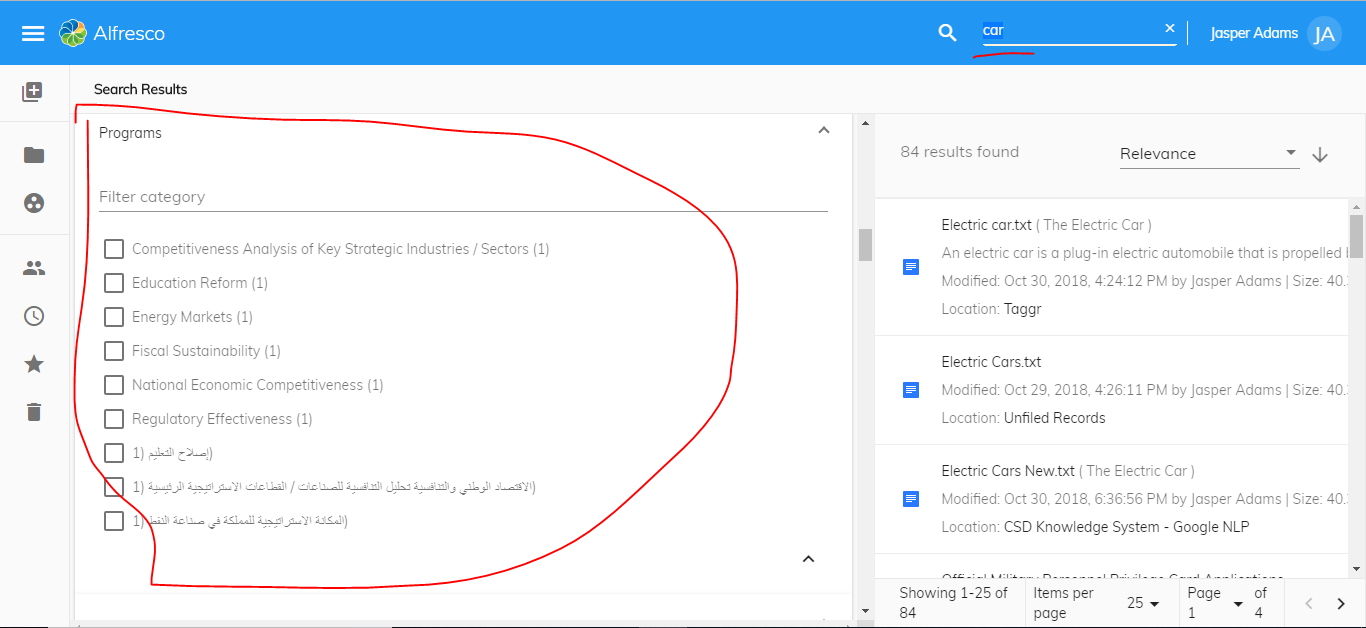
5. Search for "car" it will show proper facets. Then search for "invoice", it does not change the facet list just update the facet count.
6. Reload the page now you can see correct facets for invoice term.
I have attached the screenshot from my search.
Search for the car.
Then search for invoice
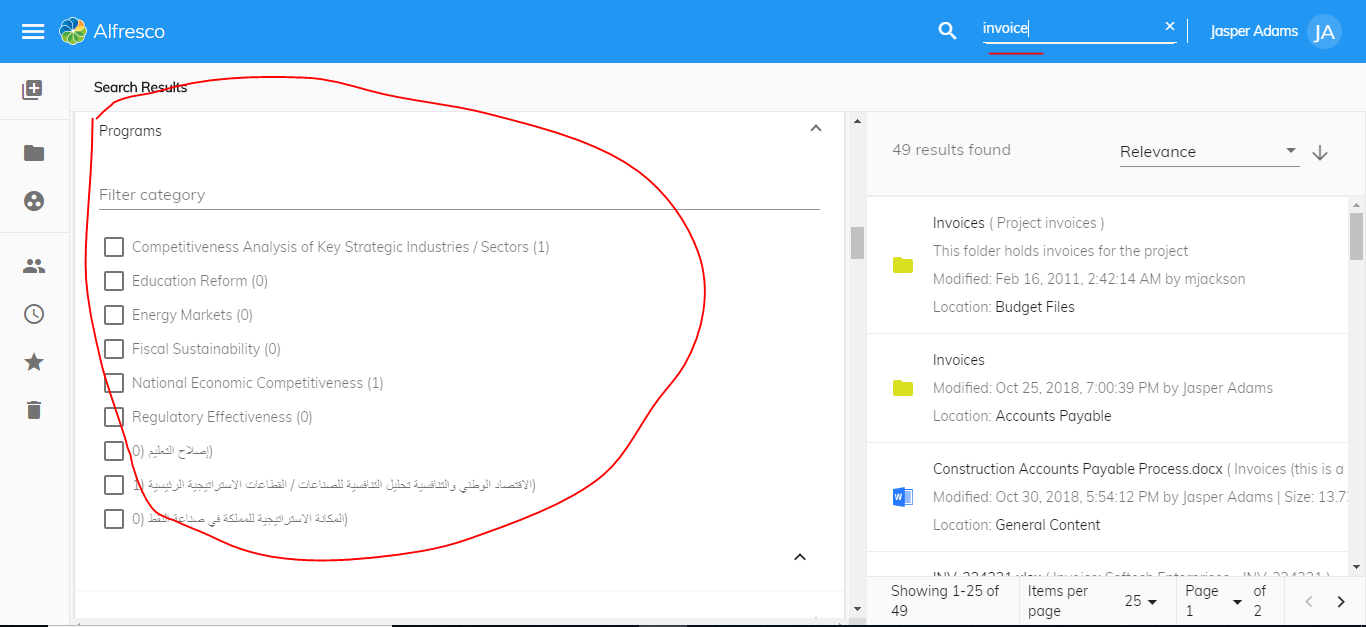
After reloading the search page.