Is there an easy way to modify a CSS element for a dom-module using Studio? I figure I could create a custom element, and copy the module code from the elements.html, then modify as desired. However, that also requires an import into our bundle.html and likely another addition to our custom-bundle.html. For just a CSS modification this seems like more work than needed.
I was hoping I could just add the CSS to a custom theme.html, but that doesn't seem to work (or I am doing something wrong there). I just want to make some slight CSS modifications and was hoping there was a pretty straight-forward path to do so.
The CSS element in question is found in the dom-module id="nuxeo-document-create", and is .typeSelection div
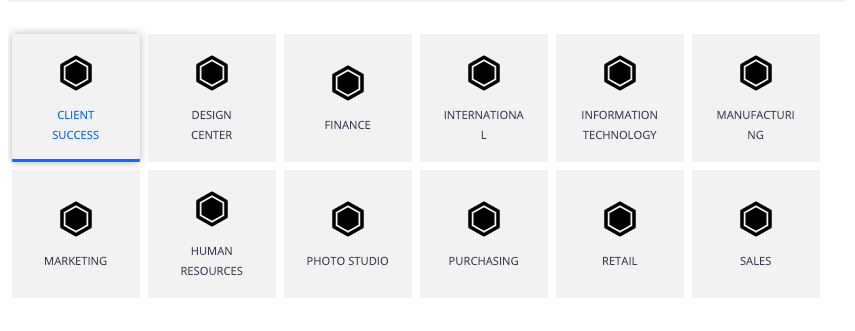
The default CSS just doesn't look so great, and shows like this:
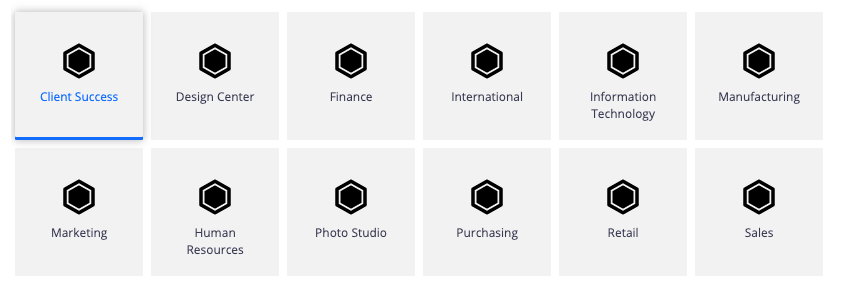
I have added a bit to the CSS, and can get it to look a bit better (to me at least):
Am I just missing something really easy to add this to a custom theme? Or should I just go and create a custom-element to do this simple change? (Although I don't really like to do that unless needed.) Here is all I want to add:
.typeSelection div {
  margin-top: 0.5em;
  word-break: break-word;
  text-transform: capitalize;
  font-size: 1.15em;
  line-height: normal;
  height: 2em;
}
